
Pi Code Blocks: easier copying in the terminal
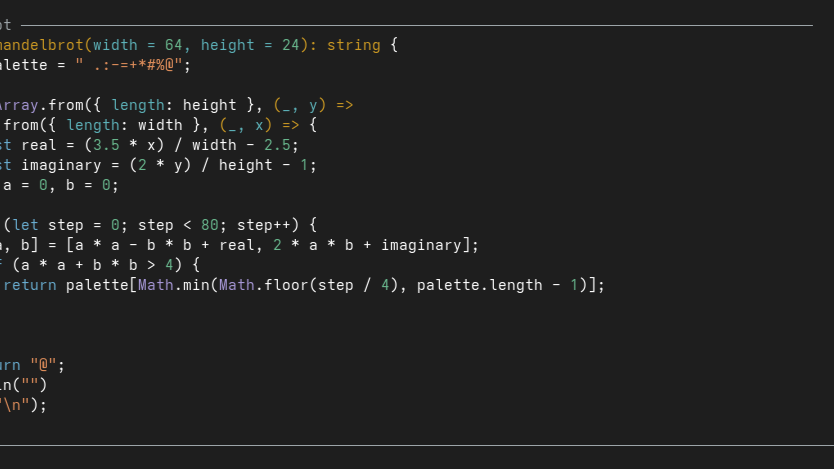
Copying code from a TUI can be awkward. You select the text, try to avoid grabbing anything around it, and paste it elsewhere—only to find that copying multiple lines has messed up the newlines. Wrapped commands are particularly annoying: the terminal’s visual line breaks are not necessarily part of the command.
I built Pi Code Blocks to make that easier in Pi.
The package renders assistant code blocks as bordered, syntax-highlighted panels with a Copy button. Instead of copying the terminal rendering, it copies the code from the message source, preserving tabs and code-body whitespace.
It works with streaming responses, multiple code blocks, and terminal resizing, using Pi’s existing highlighting theme. The button briefly shows Copied ✓ or Failed ✗, so you know whether the clipboard operation succeeded.
Install
pi install npm:@nuclear-ant/pi-code-blocksRun /reload in an existing session, then click Copy in a code block’s header.
Clickable buttons require Pi’s fullscreen mode, which is the default. Clipboard availability still depends on your environment and Pi’s clipboard helper.
One caveat: the extension uses unsupported renderer internals and is tested with Pi 1.0.2, so future Pi updates may require adjustments. It changes only the display—not the response, saved conversation, or model context.